 Keeper
Stranger mode keeps your phone yours.
Keeper is pinned to the screen. To get out, the phone asks for your fingerprint or PIN.
Hand your phone to anyone. Keeper takes real photos several times a second until they press stop. You pick your favourites.
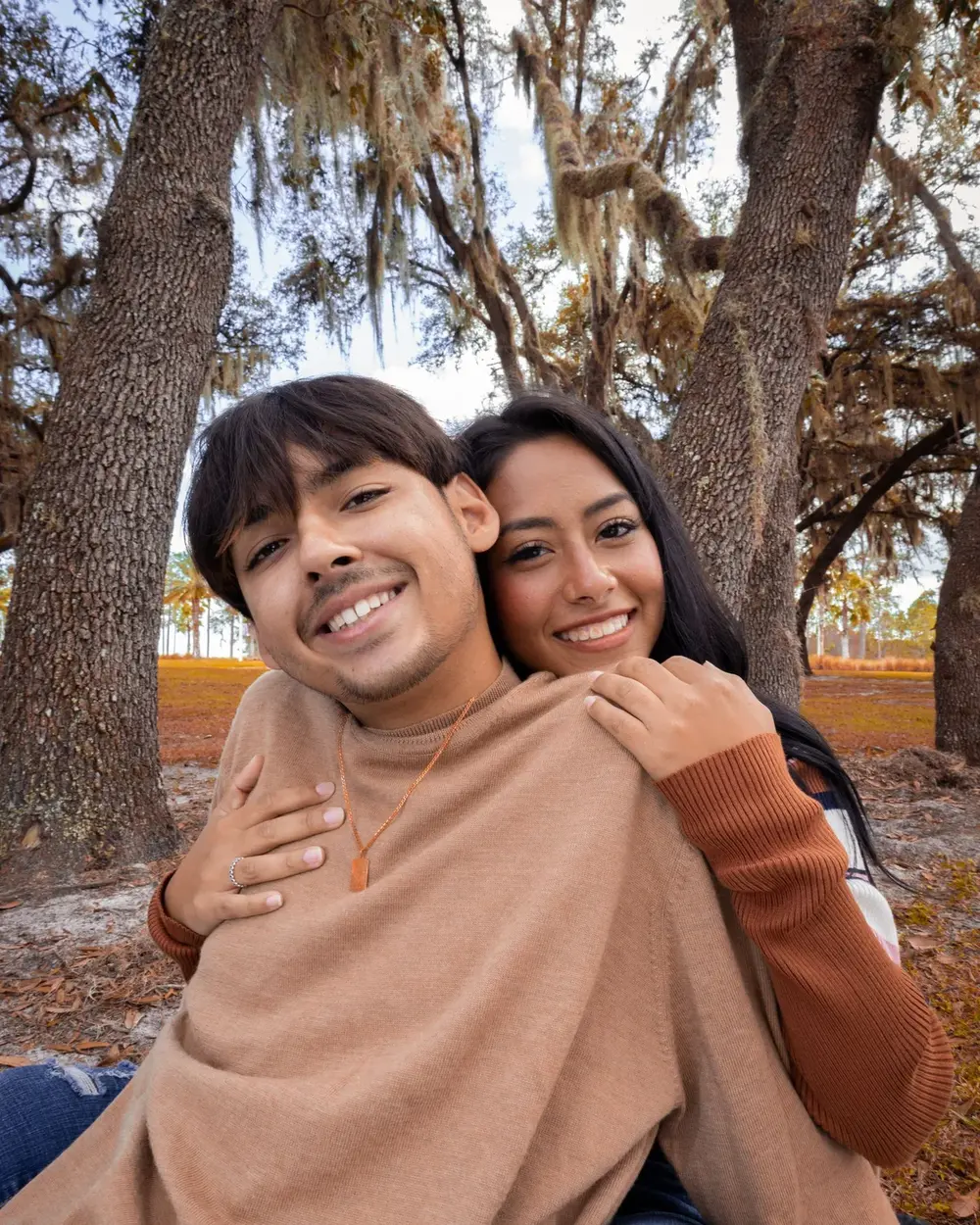
Most people take two and hand it back. Keeper keeps going the whole time they hold it, so the moment you wanted is in there.

Then just hold the phone and point it. Nobody has to catch the moment.
That's the whole job. No settings for them to touch.
Pick the ones you want and save them to your gallery.
Keeper is pinned to the screen. To get out, the phone asks for your fingerprint or PIN.
Poses has ideas to copy, for men and women, before you hand it over.
Real photos, at your camera's full photo quality. A still pulled from a video is softer and smaller; Keeper never does that.
They stay on your phone. Nothing is sent anywhere. The ones you pick go to your gallery.
No. You see every photo and pick your own. It never throws one away on your behalf.
Free on Android while it's in early access. iPhone comes next; join and we'll email you.
One email when it's ready. No spam.


